
For Behavioral Health / Therapy
Behavioral Health / Therapy teams need a system that supports the whole care path.
Give your therapy team one place to manage intake, treatment plans, session notes, outcomes, and follow-up.
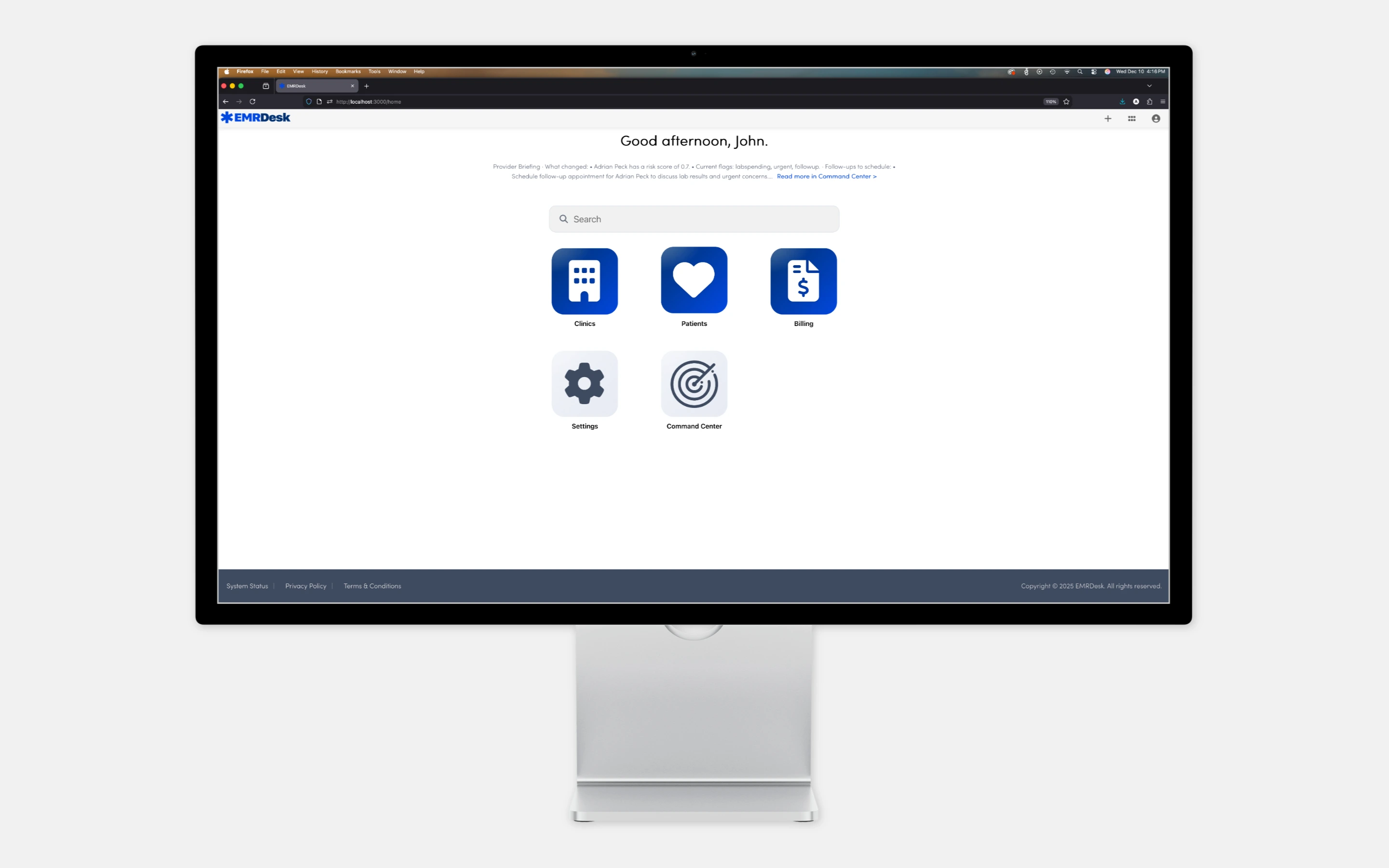
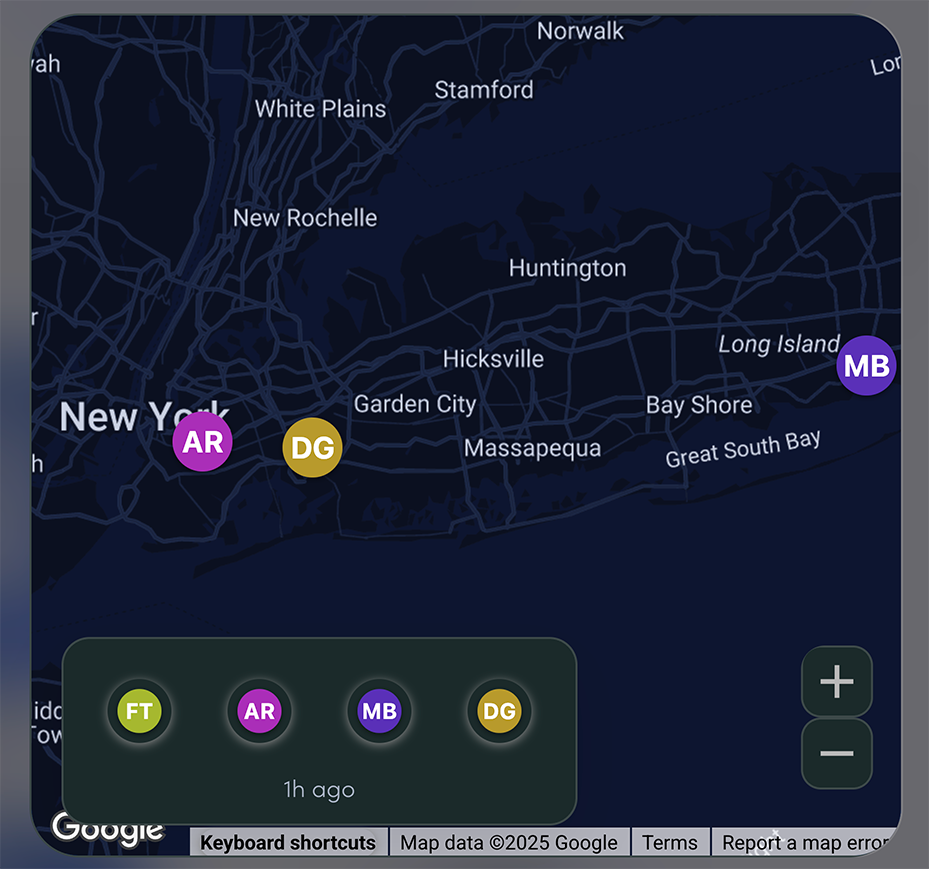
See what your behavioral health / therapy team can do
Care lifecycle
Every stage of the behavioral health / therapy workflow covered.
Give your therapy team one place to manage intake, treatment plans, session notes, outcomes, and follow-up.
In-house applications
Each application gets its own role in the specialty workflow.
Shared tools and specialty-specific patient view apps stay in one operating system, so the team can move through the day without rebuilding context.
01
AI Scribe
Connect more with patients while the note gets drafted.
Let the AI scribe listen to the encounter and make notes for you, with review and sign-off kept inside the clinical workflow.
- Listen to the encounter while the team stays present.
- Draft structured notes for clinician review.
02
E-prescription
Prescribing stays connected to the visit.
Medication review, prescription work, and follow-up can sit beside the patient chart instead of becoming a separate handoff.
- Review active medications in context.
- Keep prescription work beside the visit.
03
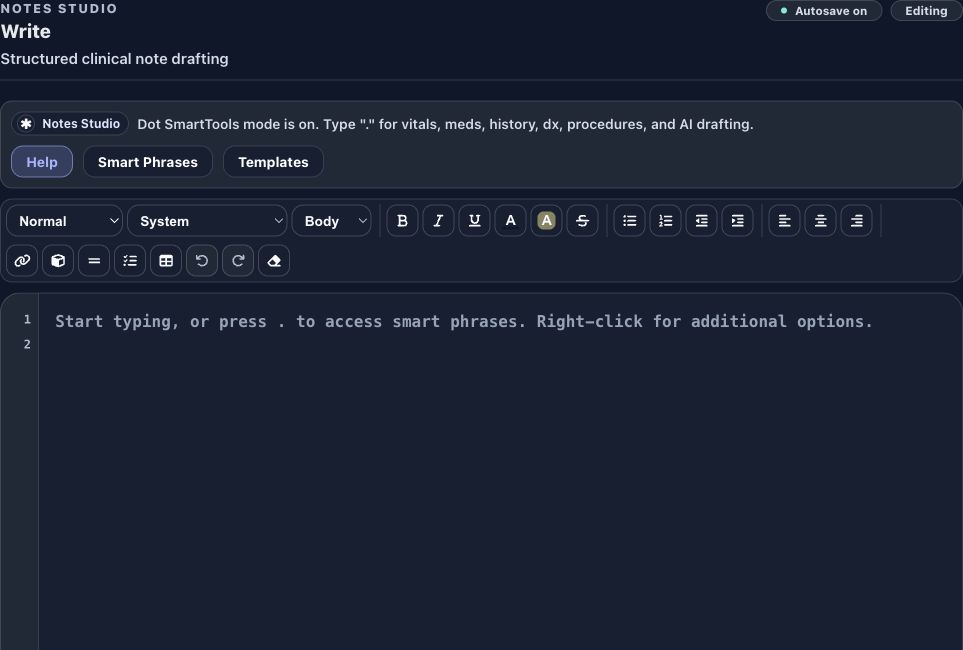
Notes Studio
Save time with Note Studio.
Create templates, add history, codes, medications, and diagrams while keeping the note close to the patient record.
- Create reusable templates for common visit types.
- Keep charting close to the patient record.
04
Encounters
The visit becomes a complete operational record.
Encounters connect the visit type, provider, codes, forms, linked notes, tasks, and next actions in one workflow.
- Track visit details, linked documentation, and codes.
- Move cleanly from clinical work to downstream operations.

05
Form Creation
Forms can match the way each specialty works.
Custom forms help teams capture the exact questions, assessments, screenings, and intake details their workflow needs.
- Build specialty forms without a separate tool.
- Attach form responses to the clinical workflow.
The plan
Here is the care path this page is built to support.
1
Referral and intake
Each step should hand the right context to the next person so the patient journey keeps moving.
2
Assessment and treatment planning
Each step should hand the right context to the next person so the patient journey keeps moving.
3
Session documentation
Each step should hand the right context to the next person so the patient journey keeps moving.
4
Follow-up and outcomes tracking
Each step should hand the right context to the next person so the patient journey keeps moving.
See the product
You should be able to picture how the workflow looks before you commit.
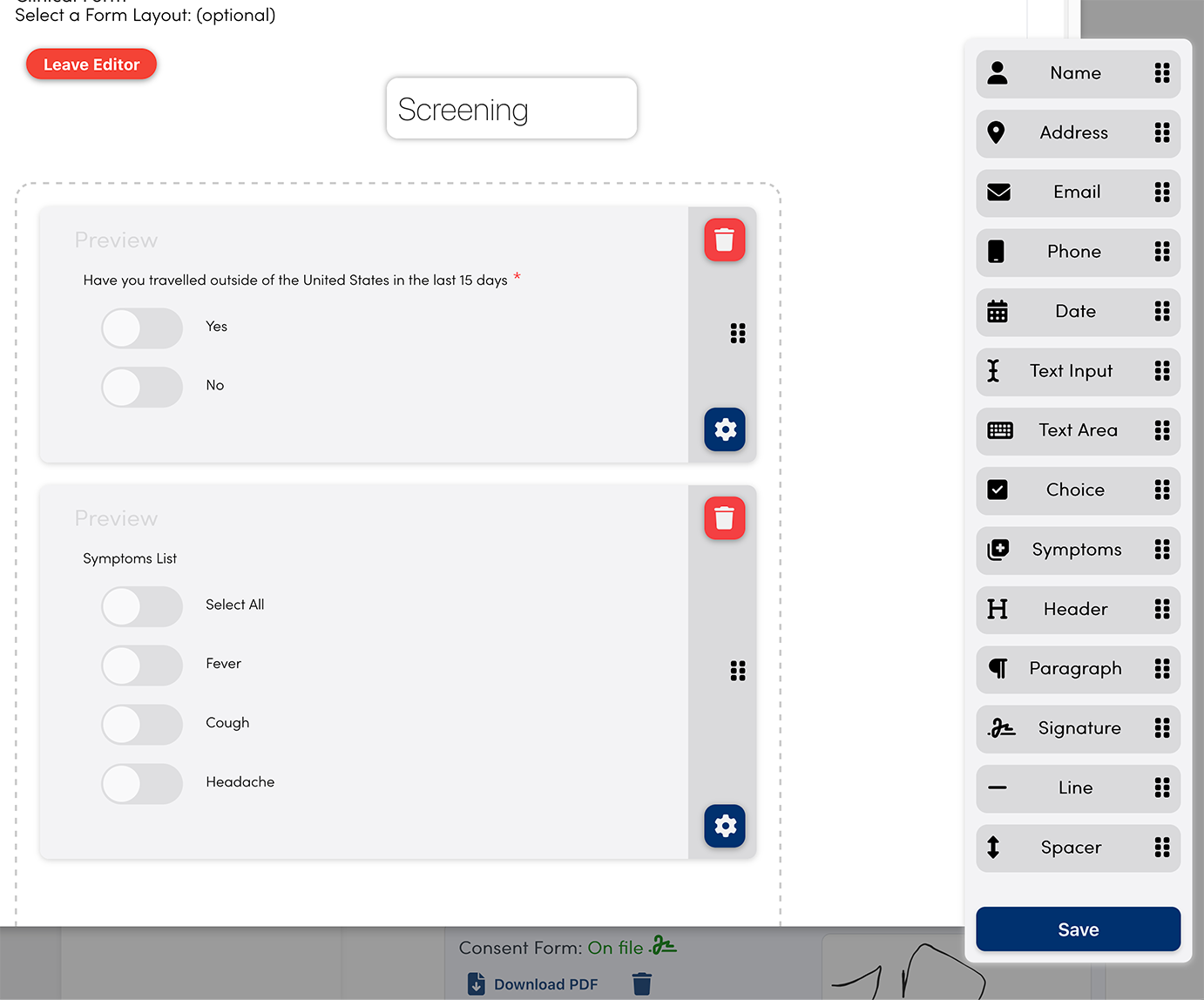
Start with the right patient story
Capture forms, screenings, and consent before the visit so the team does not rebuild the story later.
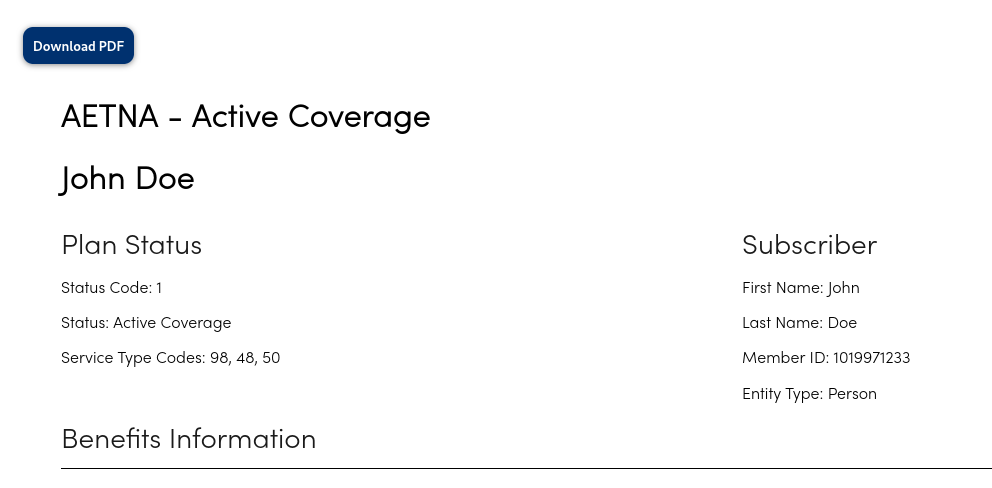
Keep revenue tied to care
Carry coverage checks, coding, claims, and reimbursement through the same workflow instead of turning billing into a separate scramble.
Make the next step obvious
Keep portal access, outreach, and follow-up attached to the record so patients and staff know what happens next.
Key apps
These are the specialty apps your team uses to keep the care path moving.
Risk Command
Built into the specialty workspace so your team can handle this step without leaving the patient record.
Med Manager
Built into the specialty workspace so your team can handle this step without leaving the patient record.
Metabolic + EPS
Built into the specialty workspace so your team can handle this step without leaving the patient record.
Measurement Care
Built into the specialty workspace so your team can handle this step without leaving the patient record.
Dx Clarifier
Built into the specialty workspace so your team can handle this step without leaving the patient record.
Relapse Warning
Built into the specialty workspace so your team can handle this step without leaving the patient record.
What gets better
When the workflow is connected, the team gains clarity and the patient experience gets steadier.
Recurring sessions and treatment plans stay visible between visits.
Outcome tracking becomes easier when documentation and follow-up live together.
Patient communication can stay tied to care instead of falling into another disconnected tool.
Rollout plan
Start with the core workflow, then expand once the team has the rhythm.
Suggested rollout
Begin with intake, documentation, and communication. Then layer in outcomes, recurring care plans, and reporting once the care rhythm is stable.
Take the next step