.template.occupational.therapy.new.consultTemplateOccupational Therapy new consult
Starts HPI, focused exam, assessment, plan, education, and follow-up.
EMRDesk for Occupational Therapy
Give your occupational therapy team one connected place to manage documentation, handoffs, follow-up, and the specialty apps they rely on every day.
What EMRDesk is
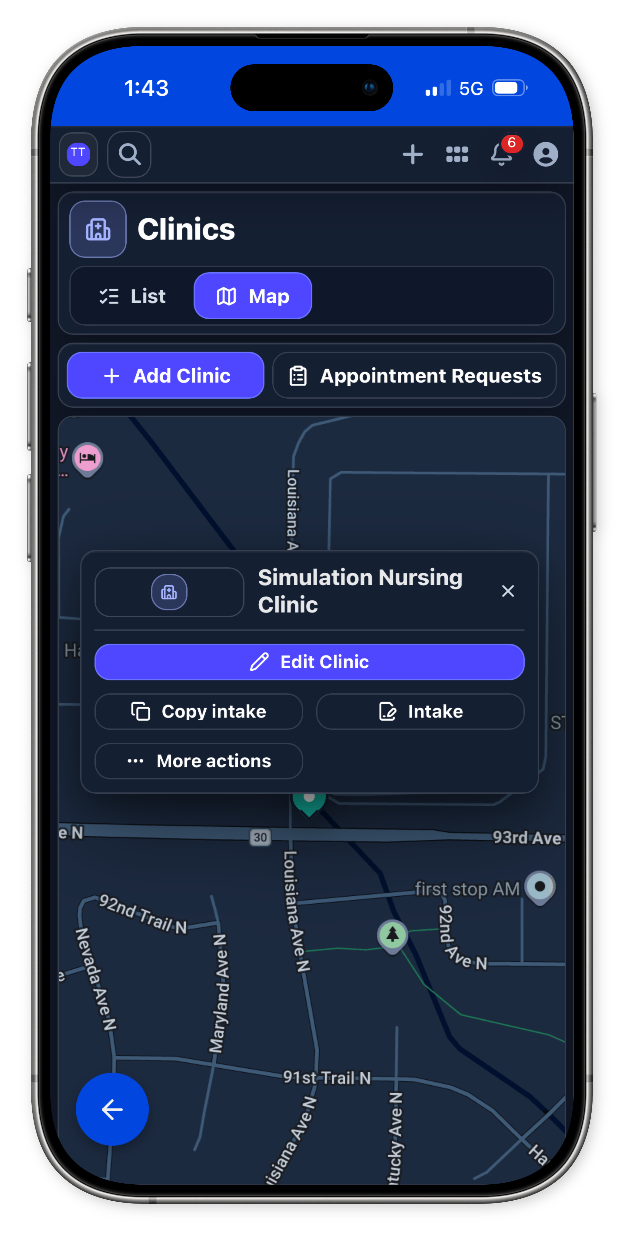
Bring front desk, clinical work, billing, and follow-up into one operational record, so every team member can see what happened and what needs to happen next.
Specialty model
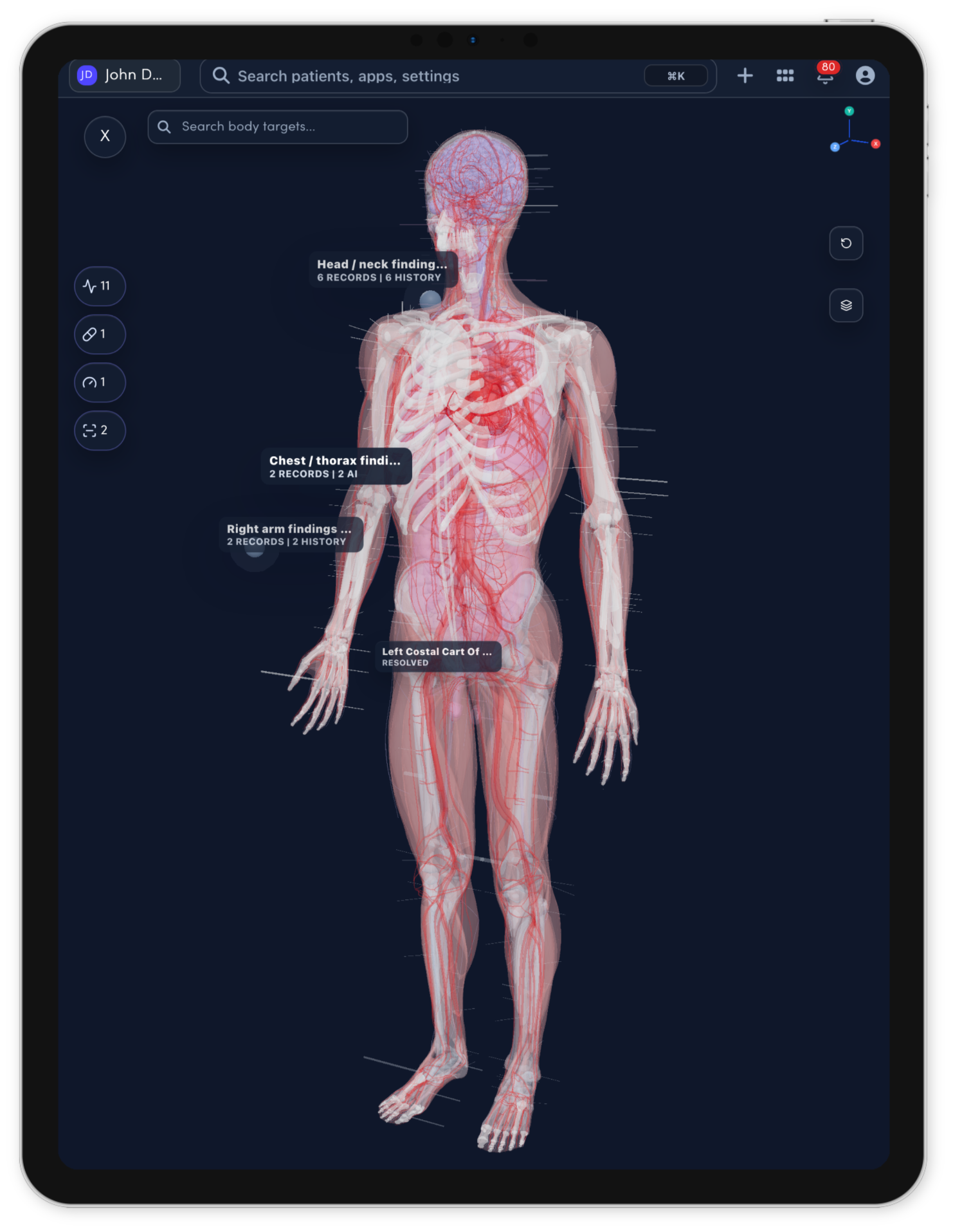
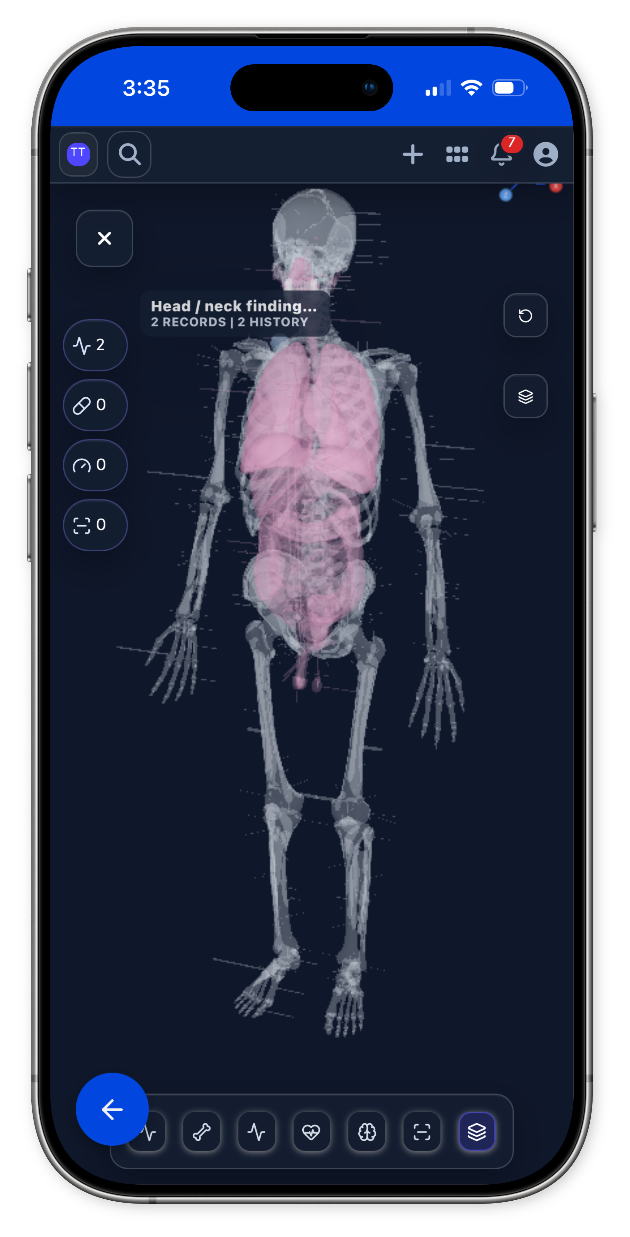
Every specialty page gets a full-width anatomy or imaging model matched to the care team. When there is no dedicated specialty model yet, the shared body map takes over.
Occupational Therapy model
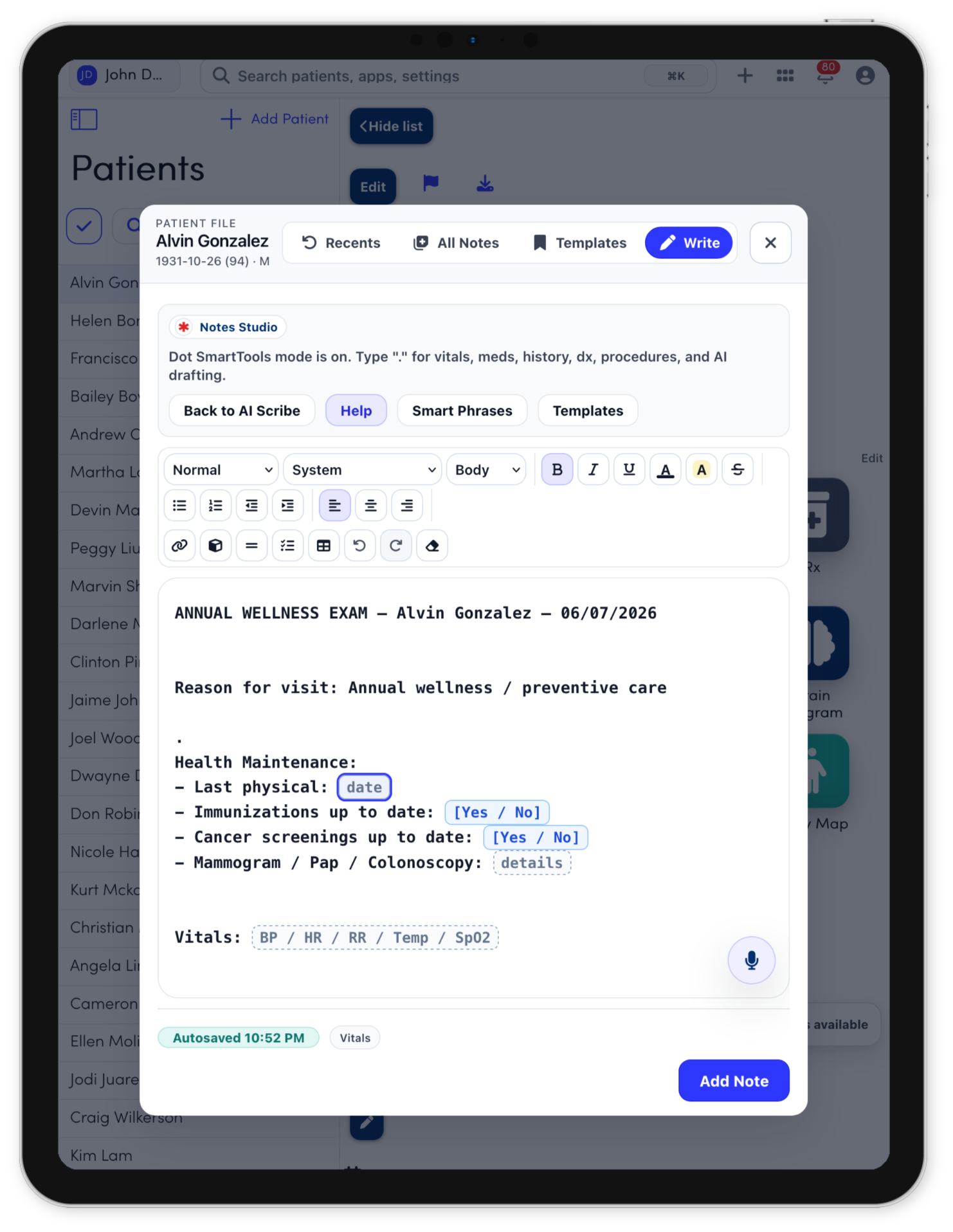
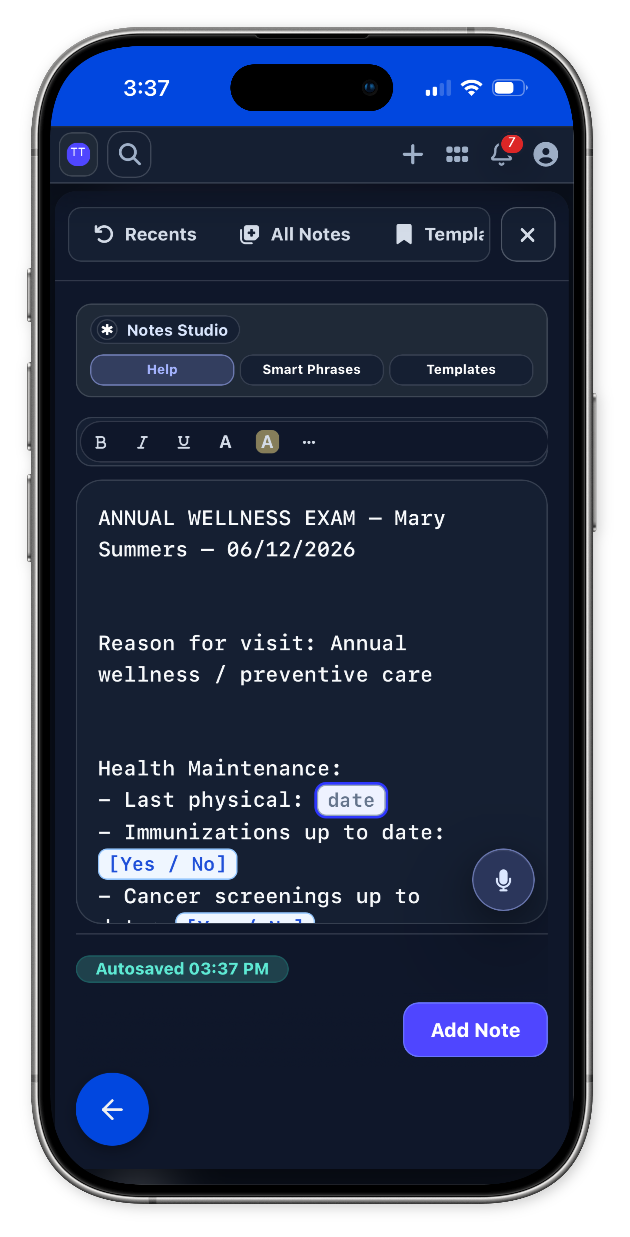
Notes Studio
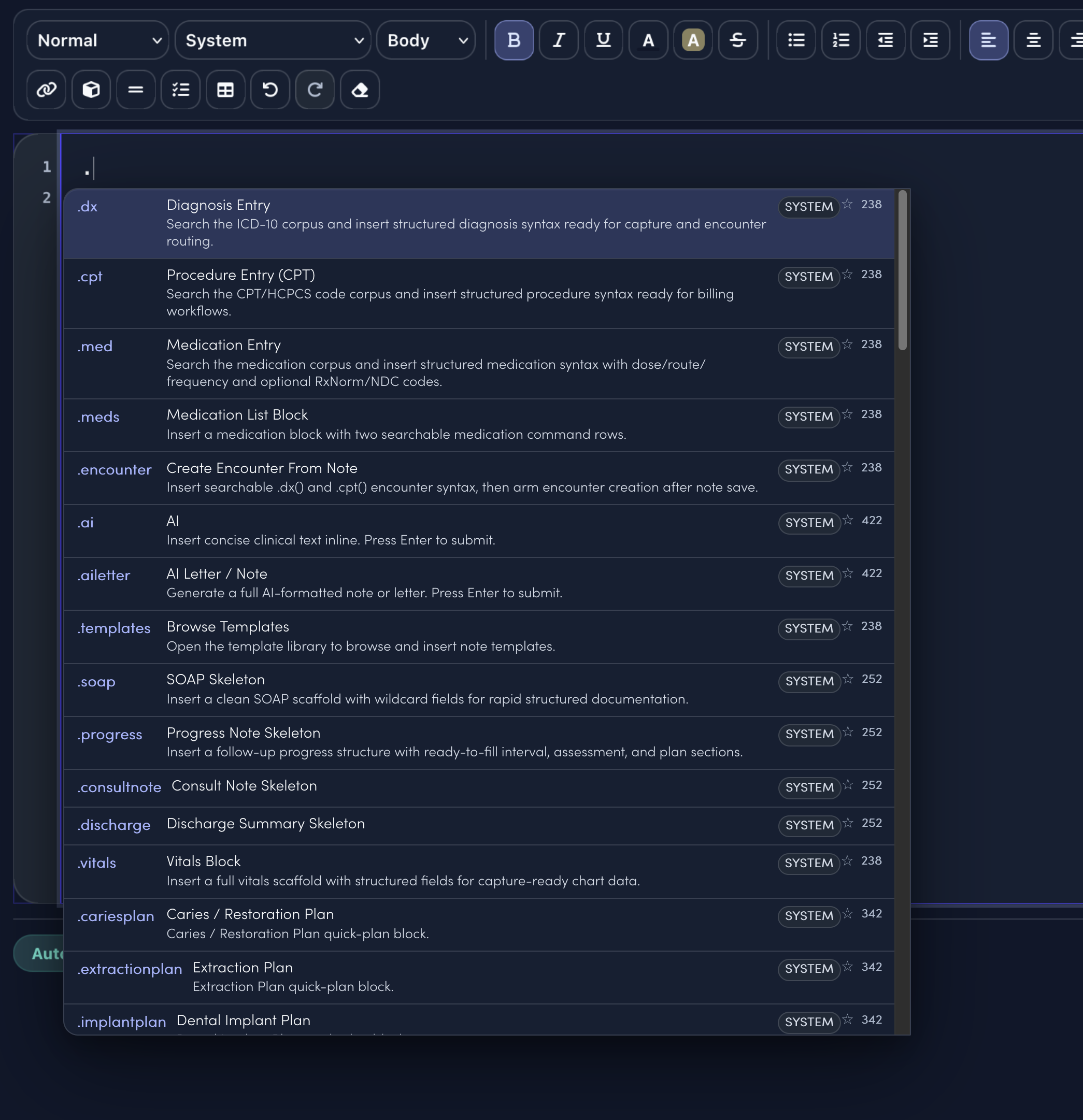
Notes Studio combines smart sentence completion, structured templates, command-style dot phrases, and code search. The specialty menu only surfaces the clinical shortcuts and visit templates that match the selected specialty.
.template.occupational.therapy.new.consultTemplateStarts HPI, focused exam, assessment, plan, education, and follow-up.
.template.occupational.therapy.follow.upTemplateCompares interval symptoms, treatment response, new issues, and next steps.
.template.procedure.noteTemplateCaptures indication, consent, site, technique, tolerance, and aftercare.
.template.patient.instructionsTemplateTurns the care plan into clear home instructions and return precautions.
.dxSearch diagnoses and insert structured diagnosis syntax..cptSearch procedures and insert billing-ready procedure syntax..medCompose medication instructions from the note..aiAsk for concise clinical text inline..templatesOpen the full template library..soapDrop in a clean SOAP note scaffold.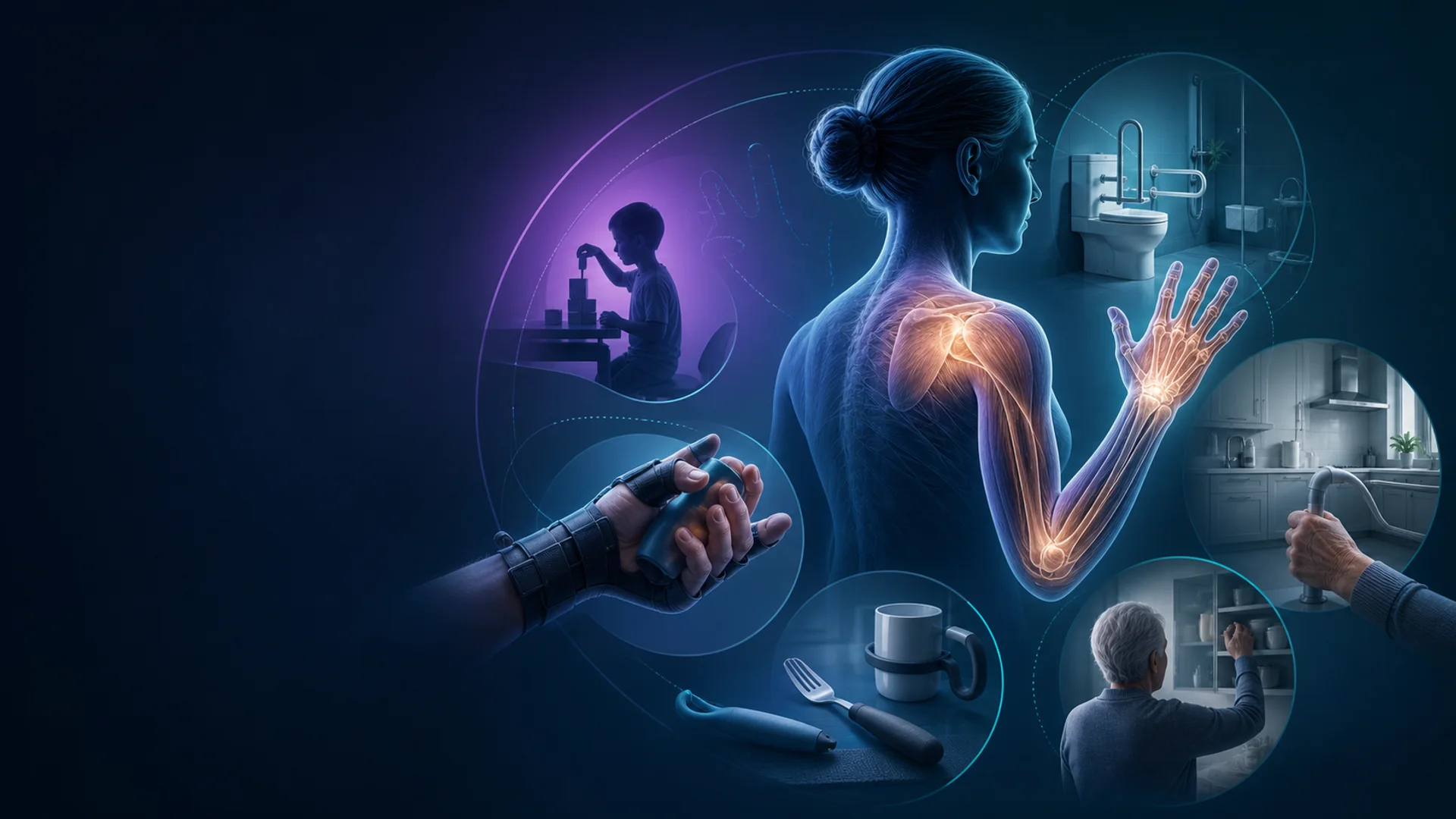
Keep intake and visit preparation, specialty documentation and clinical review, and decision support and next-step planning connected to documentation, follow-up, and billing handoff in one workspace.
Explore Occupational Therapy workflowsSpecialty tools
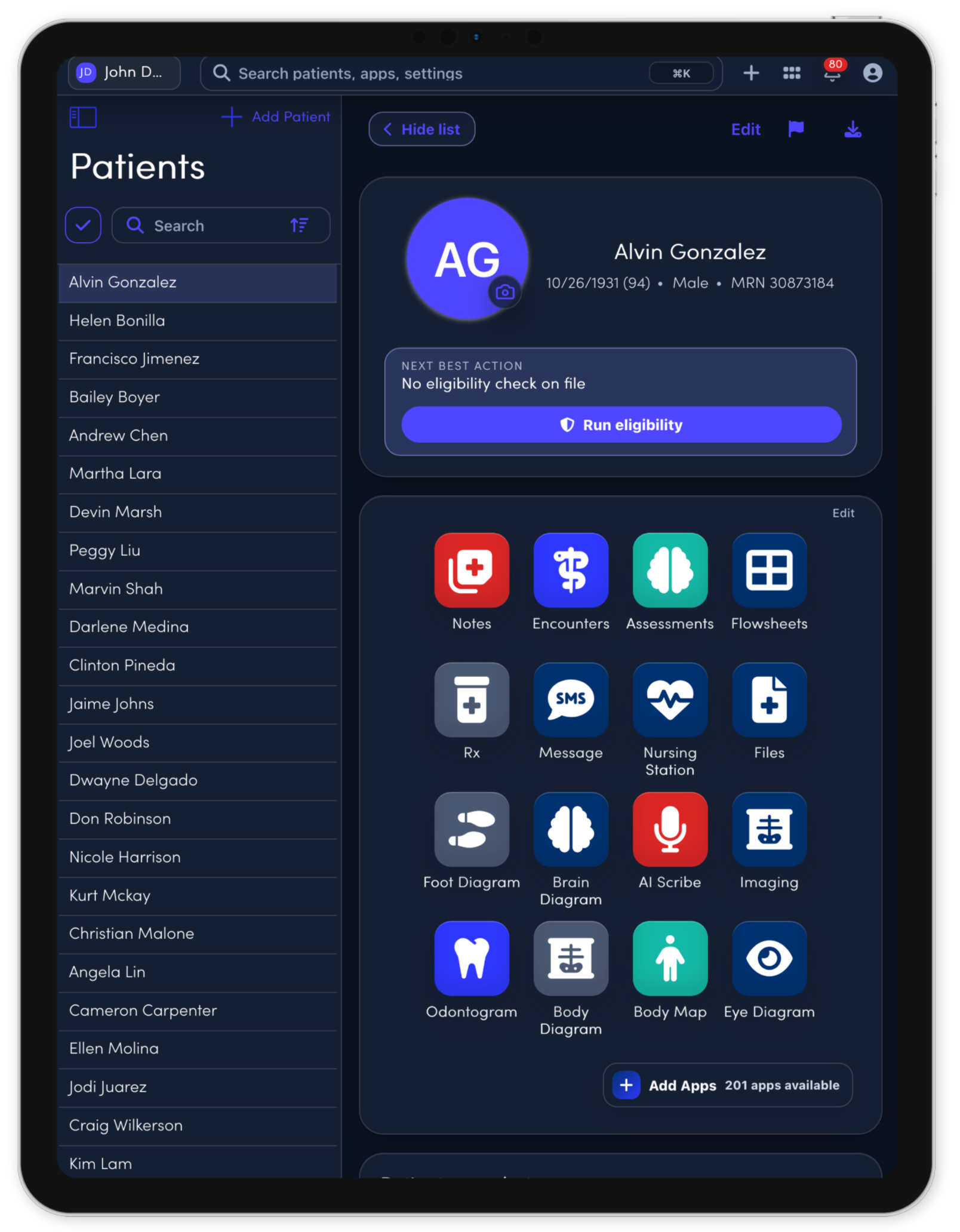
The core apps stay connected to the same patient record, so each visit, task, note, and follow-up can move through one workspace.
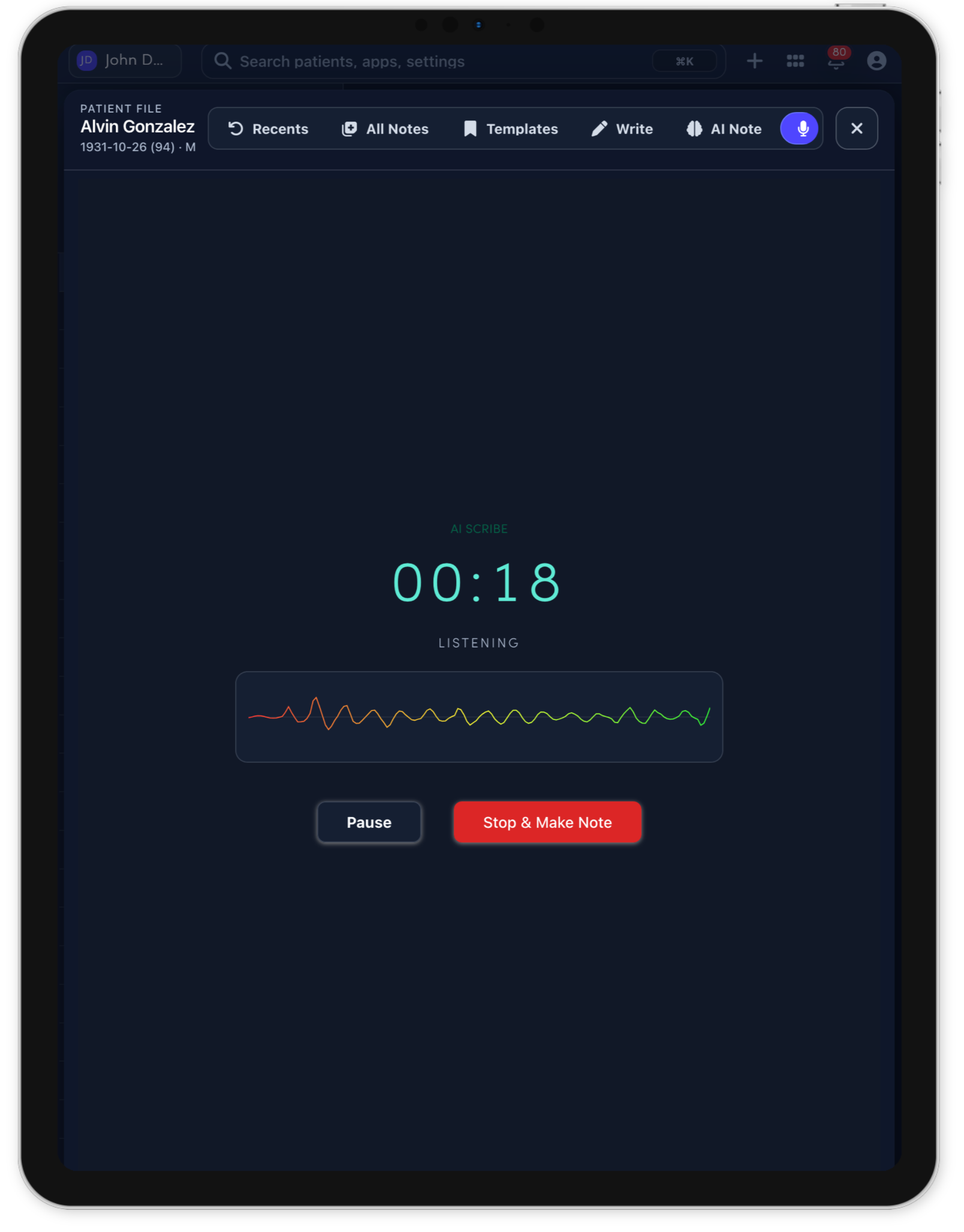
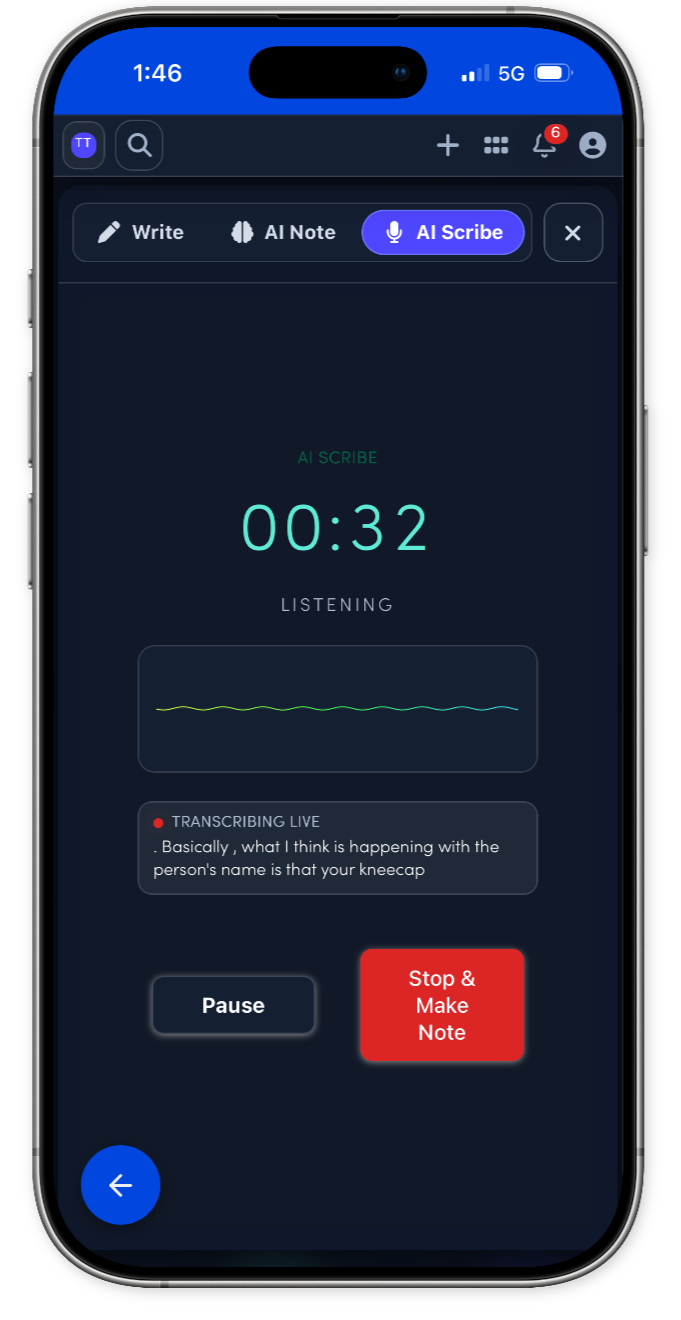
Connect more with patients while the note gets drafted.
Use the 3D body map to see the whole patient.
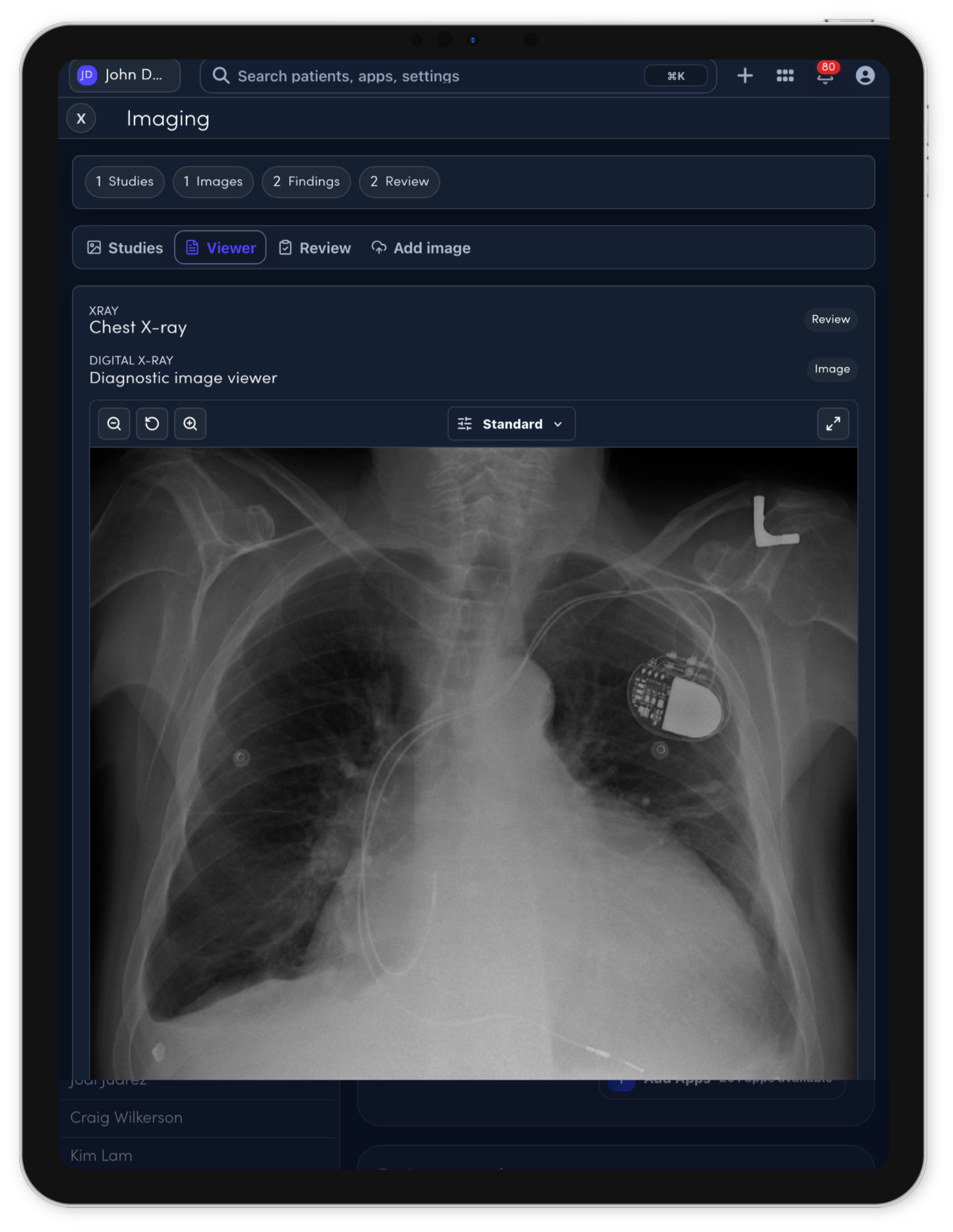
Imaging review support for clinician-controlled charting.
Save time with Note Studio.
The visit becomes a complete operational record.
Forms can match the way each specialty works.